Choosing hospital software? Ask these questions first.
Judge hospital software on whether it runs your real patient journeys end to end, controls money at every step, meets your country's rules, and lets you own your data. Ask each vendor to show these live on a realistic case rather than on slides, and compare the answers side by side.
Does it cover the whole patient journey?
Ask the vendor to walk one patient from registration through OPD, admission, theatre, pharmacy, lab, discharge and final bill in a single demonstration. Gaps show up when a step needs another system or a manual workaround.
Bring your own awkward cases: an emergency patient who is admitted, a corporate panel patient, an insured patient with a copay, a refund after discharge. A good system handles each without leaving the screen it belongs on.
How does it control billing and discounts?
Most revenue leakage comes from charges that never reach the bill and discounts nobody approved. Ask whether charges come from orders automatically, whether ward medicines reach the inpatient bill, and who must approve a discount, refund or write off.
Ask to see a cashier close their session and how a shortage is shown. Then ask how doctor shares are calculated, and whether they are credited before or after the patient pays.
- Charges created from orders, not slips
- Approval before discounts and refunds
- Doctor shares credited only on payment
Does it meet the rules in your country?
Ask exactly which national connections are live today and which are planned, and ask for a dated plan for anything not yet built. Insurance exchanges, e invoicing, electronic prescriptions, tax returns and statutory payroll all vary by country.
Check the language too. Staff should be able to work in the language they are most comfortable with, including right to left scripts, on the same patient record.
Can finance trust the numbers?
Ask whether invoices, receipts, pharmacy sales, goods received and payroll post journals automatically, or whether finance keys in summaries. Ask for the trial balance, profit and loss and a department revenue report from the demonstration data.
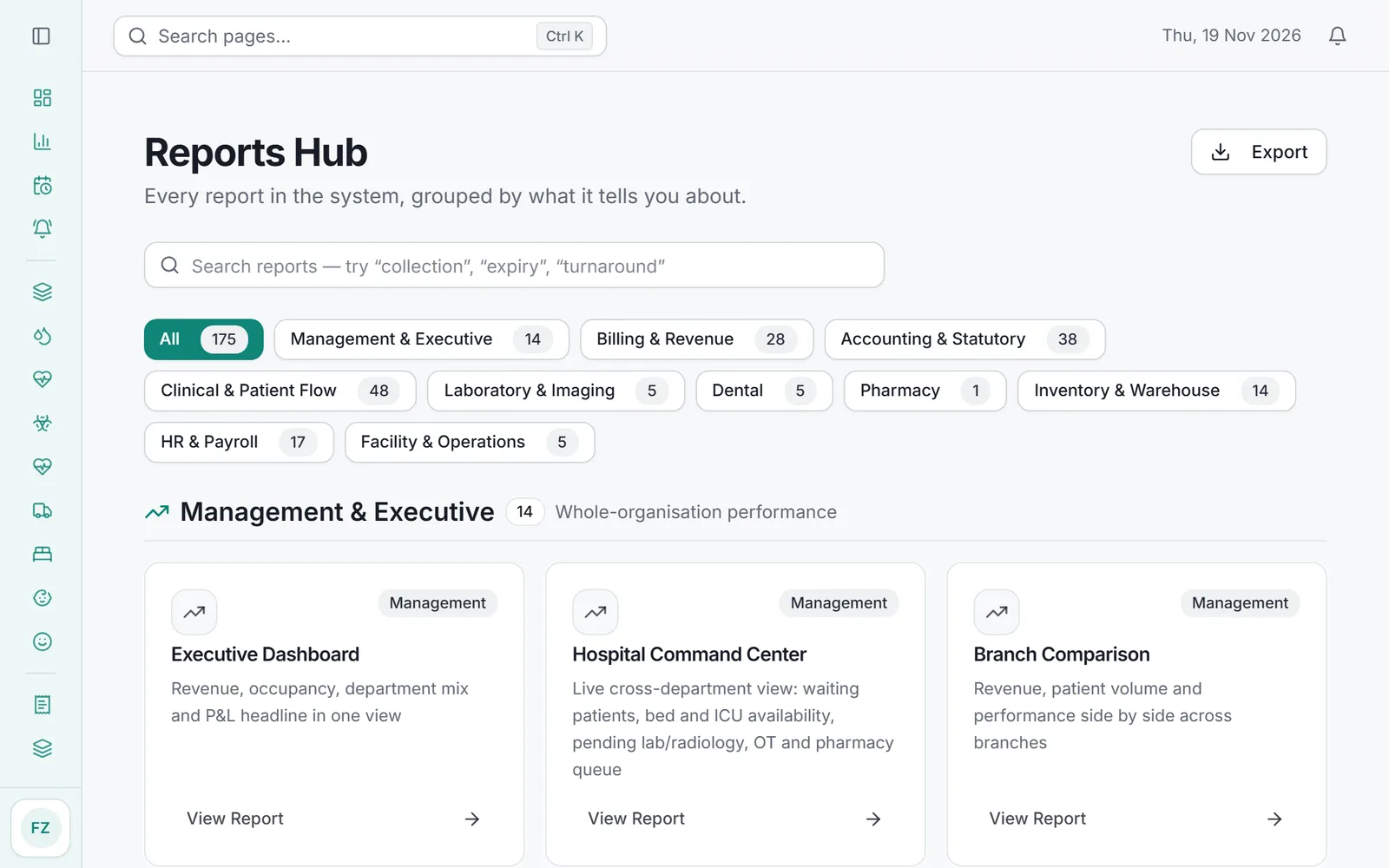
Then ask how reports are found, filtered and exported. A report hub with filters by date, department and doctor saves more time than a long list of fixed printouts.
Who owns the data and who supports us?
Your patient and financial data should stay yours. Ask where it is hosted, how it is backed up, how access is controlled by role, and how you would export everything if you left.
Ask who you call when something goes wrong, in which hours and in which language, how training is delivered, and what is included in the price versus charged separately.
Hospital software checklist: what to ask and what a good answer looks like
| Criterion | What to ask | A good answer |
|---|---|---|
| Patient journey | Can you show one patient from registration to final bill? | A live walkthrough with no second system or workaround |
| Charge capture | How does a ward medicine or lab test reach the bill? | The order creates the charge automatically |
| Billing control | Who approves discounts, refunds and write offs? | An authorised person, before the change applies |
| Local compliance | Which national connections are live today? | A clear list of what is live and what is planned |
| Accounting | Do transactions post journals automatically? | Yes, with statements available on demand |
| Reports | How do we filter and export reports? | By date, department and doctor, with Excel export |
| Data ownership | How do we export our data if we leave? | A documented export in a standard format |
Which modules matter most here?
What do buyers ask about HMS Buyer's Checklist?
How long should a software demonstration take?
Long enough to follow at least one complete patient journey on realistic data. A short slide presentation does not show how the system behaves on your difficult cases.
Should we ask for a trial on our own data?
Where possible, yes. Running a sample of your own services, rates and patient types shows quickly whether the system fits your hospital.
What is the most common mistake when choosing hospital software?
Comparing feature lists instead of watching the workflows run. Two systems can list the same module and behave very differently at the counter or on the ward.
Who should be involved in the decision?
The medical director, the finance head, the administrator and a representative from reception, nursing and pharmacy, because each sees a different part of the system every day.
See HealthOS 24 on your own workflow.
We walk you through it with your departments, rates and reports in mind.