The outpatient visit, from token to checkout.
Reception issues a token, the nurse records vitals, the doctor writes the consultation and orders tests, and the patient pays once at the counter. Each step sees the same visit, so nothing is retyped and nothing is missed.
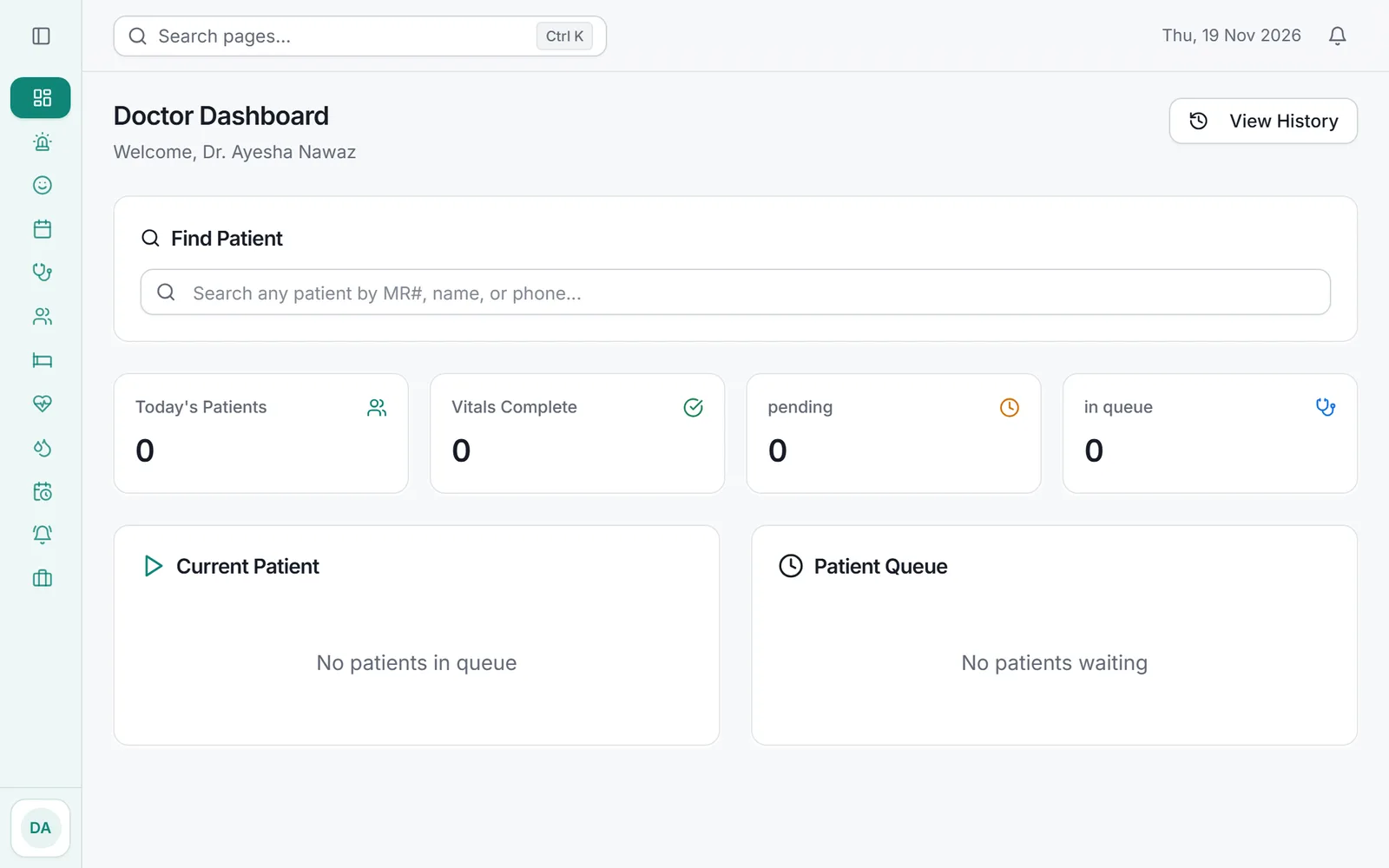
What does the opd management module do?
Token queue and display boards
Walk ins and booked patients join one queue, with TV display boards and voice announcements calling the next token.
Nurse vitals station
Record blood pressure, pulse, temperature, weight and BMI before the patient reaches the doctor.
SOAP consultation notes
Structured notes with diagnoses, and a completion check before a consultation can be signed off.
Prescriptions with safety checks
Prescribe from the formulary with allergy and interaction alerts, then send the prescription straight to the pharmacy.
Lab and imaging orders
Order investigations from the consultation; they appear in the lab and radiology worklists and on the bill.
Single checkout
Consultation, tests and procedures are billed together at the counter, with the doctor's share credited on payment.
How does it work, step by step?
- 01Register
Find or register the patient and issue a token.
- 02Vitals
The nurse records vitals against the visit.
- 03Consult
The doctor writes notes, prescribes and orders tests.
- 04Checkout
The cashier bills the visit and issues the receipt.
What changes with one system?
| Task | Paper or separate systems | With HealthOS 24 |
|---|---|---|
| Patient queue | Patients wait without knowing their turn, and staff call names aloud. | One token queue with display boards and voice announcements of the next token. |
| Vitals | Vitals are written on slips that may not reach the doctor. | The nurse records vitals against the visit before the doctor sees the patient. |
| Consultation notes | Notes are handwritten and hard to search or complete consistently. | Structured SOAP notes with diagnoses and a completion check before sign off. |
| Prescriptions | Handwritten prescriptions are carried to the pharmacy and read again there. | Prescriptions carry allergy and interaction alerts and go straight to the pharmacy. |
| Checkout | Patients pay at several counters for the consultation, tests and procedures. | Consultation, tests and procedures are billed together at one counter. |
Which modules does it connect to?
What do hospitals ask about opd management?
What does OPD management software do?
It runs the outpatient department: registration, queues, vitals, consultation notes, prescriptions, investigation orders and billing for each visit.
Can patients see their token on a screen?
Yes. HealthOS 24 includes full screen display boards for the waiting area with voice announcements of the next token.
Do prescriptions go to the pharmacy automatically?
Yes. A signed prescription appears in the pharmacy dispensing queue for that patient.
See opd management on your own workflow.
We walk you through it with your departments, rates and reports in mind.